Catalog and organize
Spreadsheet vs Discogs vs an app: how to track a vinyl collection

On this page
For most collectors, the best way to track a vinyl collection is a Discogs collection used through an iPhone or iPad app. Every entry links to a documented release, you can add records at the shelf, and you can still export a spreadsheet whenever you want one. A spreadsheet on its own suits fields you design and records Discogs doesn’t list; the Discogs website works best at a desk.
VinylBox, an independent iPhone and iPad app for vinyl records, CDs and cassettes that works with your Discogs account, gives you the documented releases and the spreadsheet. Download it and sign in with Discogs, or create a free Discogs account from its sign-in screen. Then scan a cover or barcode, choose your version and save it. Export Collection gives you the spreadsheet: a CSV file with your folders and tags.
Download VinylBox for iPhone and iPad
Spreadsheet vs Discogs vs an app: how do they compare?
A spreadsheet gives you control, Discogs gives you documented releases, and an app such as VinylBox lets you use those releases at the shelf and still export a spreadsheet.
| Job | Spreadsheet | Discogs website | VinylBox with Discogs |
|---|---|---|---|
| Tie each copy to its release | Only if you add a Discogs release ID | Yes: you add the release itself | Yes: scan or search, then choose your version |
| Add a record at the shelf | Type every field | Typed searches, easiest at a desk | Cover or barcode scan, then folder, condition and notes in one sheet |
| Your own fields | Any column you like | Notes and custom fields | Discogs condition and notes, plus private tags (and Smart Folders for grouping) |
| Records Discogs doesn’t list | Yes | Once someone submits them, which you can do yourself | Once they’re on Discogs |
| Values | Typed by hand, and they go stale | Recent sales on each release, and an approximate collection value | Estimates and sold prices per release, plus a collection value range and history |
| Away from a computer | Depends on the app and its offline setup | In a phone browser, with a connection | On iPhone and iPad, with the synced collection available to browse offline |
| A spreadsheet copy | It is one | A CSV export, prepared on request | Export Collection: a CSV of the whole collection, one row per copy, with the details you choose, folders and tags included |
| Cost | Free in apps such as Google Sheets | A Discogs account | A free plan to get started, perfect for smaller collections; VinylBox Pro, from just $1.99/month |
The official Discogs app scans barcodes and edits your collection, but as of October 2026 its App Store listing is for iPhone only, and Discogs’ iOS collection help says its folder and custom-field settings open in the mobile browser. Compare Discogs apps for iPhone and iPad.
When is a spreadsheet the best way to track vinyl records?
A spreadsheet is best when your own fields matter more than the database: test pressings, home recordings or local releases that Discogs doesn’t list, a list for someone who won’t use Discogs, or a file you fully control. You need no Discogs account, can add any column you like and can give a row to a record you can’t identify yet.
The costs grow with the collection:
- You type everything, and keeping “Box 3”, “box three” and “B3” consistent is up to you.
- Nothing ties a row to the pressing unless you add its Discogs release ID, so lookalike editions read the same.
- Values go stale. A typed price is a snapshot of one day (what Discogs prices mean).
- Cloud spreadsheets need setup to work offline. In a browser, Google Sheets works offline only in Chrome or Edge, with Google’s Docs Offline extension and offline access turned on while you’re connected (Google’s offline help).
What columns should a record collection spreadsheet have?
Use these columns as a template, with one row per physical copy: two copies of an album can differ in pressing, condition and location. Format the catalog number column as Text before you type, so Excel keeps leading zeros (Microsoft’s guide to leading zeros and large numbers).
Hypothetical example: the third column and the illustrations below use invented records; their artists, titles, labels and catalog numbers are fictional.
| Column | What to enter | Hypothetical example |
|---|---|---|
| Artist and title | As printed on the release | Halden Rook, Glasswing Hours |
| Format | LP, 7-inch, CD or cassette, with color or disc count | LP, black vinyl |
| Label and catalog number | From the spine or the center label | Merrowfield Records, MRW-118 |
| Country and year | From the sleeve or labels (a printed year may be the original’s copyright year) | UK, 1984 |
| Discogs release ID | The number in the release’s Discogs web address, once matched | Blank until matched |
| Media and sleeve condition | Discogs grades, such as VG+ | VG+ and VG |
| Location | The shelf, crate or box, spelled the same way every time | Box 3 |
| Status | Matched, Research or Not on Discogs | Research |
| Notes | Where it came from, price paid, inserts, signatures | Record fair, lyric insert |
To start a sheet, paste this header row into Google Sheets, then choose Data > Split text to columns:
Artist,Title,Format,Label,Catalog number,Country,Year,Discogs release ID,Media condition,Sleeve condition,Location,Status,Notes
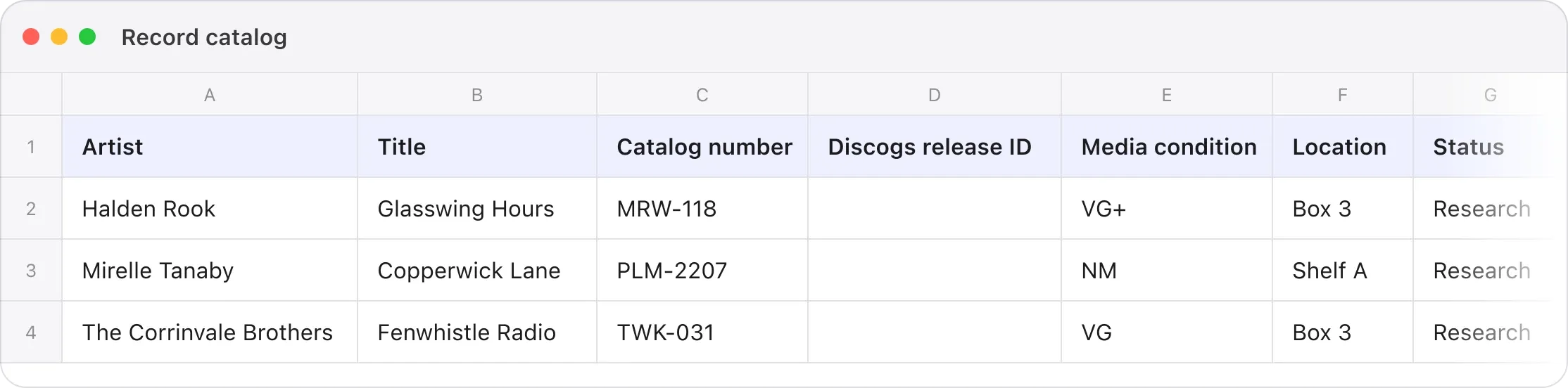
The release ID column is the one most spreadsheets skip and the one that matters later: it leads you back to the documented release without re-identifying the copy.
When is Discogs better than a spreadsheet?
Discogs is better when you want each entry tied to the specific release you own. A Discogs release page lists one edition’s year, tracklist and identifiers (Discogs’ database guide), so your catalog inherits details you’d otherwise type, and you can check them against your copy.
A Discogs collection also gives you:
- Condition, notes and custom fields for each copy, the custom fields as free text or dropdowns that you can keep private (Discogs’ guide to collection notes).
- Folders to group your copies, and an estimated collection value from the last 30 sales on Discogs, leaving out releases with no sales history; Discogs calls the value only an approximate calculation (Discogs’ collection guide).
- A CSV export of the whole collection, prepared on request, with a notification when it’s ready, though the same guide doesn’t list its columns.
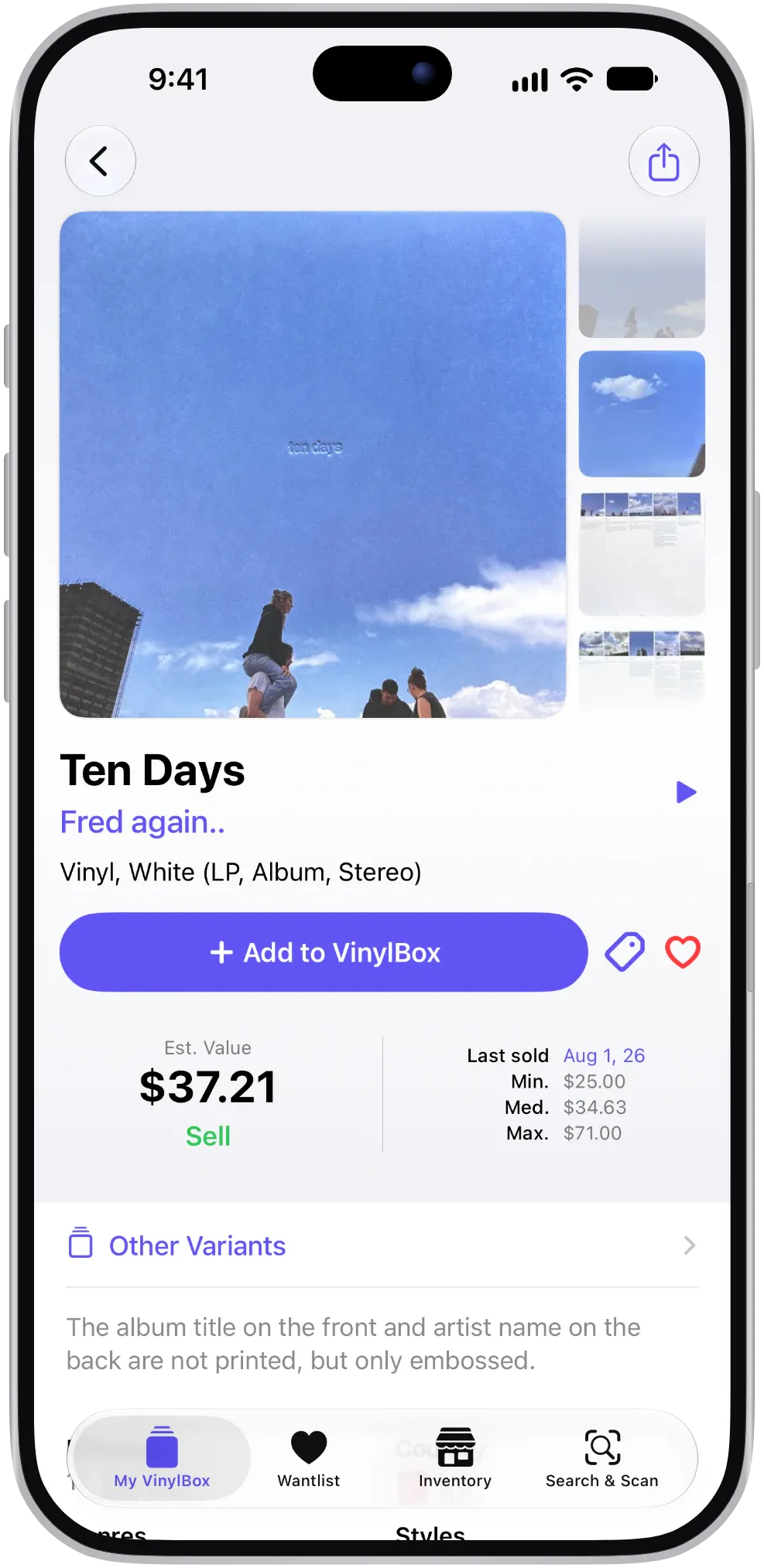
But a record Discogs doesn’t list has no release to add until someone submits it, and a popular album can have dozens of versions sharing its artwork; on the website, finding yours means typed searches, easier at a desk than at your shelves.
To start a Discogs collection, download VinylBox and create a free Discogs account from its sign-in screen. Already have one? Sign in inside VinylBox and your collection, folders and Wantlist sync.
What does VinylBox add to a Discogs collection?
VinylBox puts your Discogs collection on iPhone and iPad and handles what the website makes slow: adding records at the shelf, completing entries, checking the collection without a signal and getting a spreadsheet out.
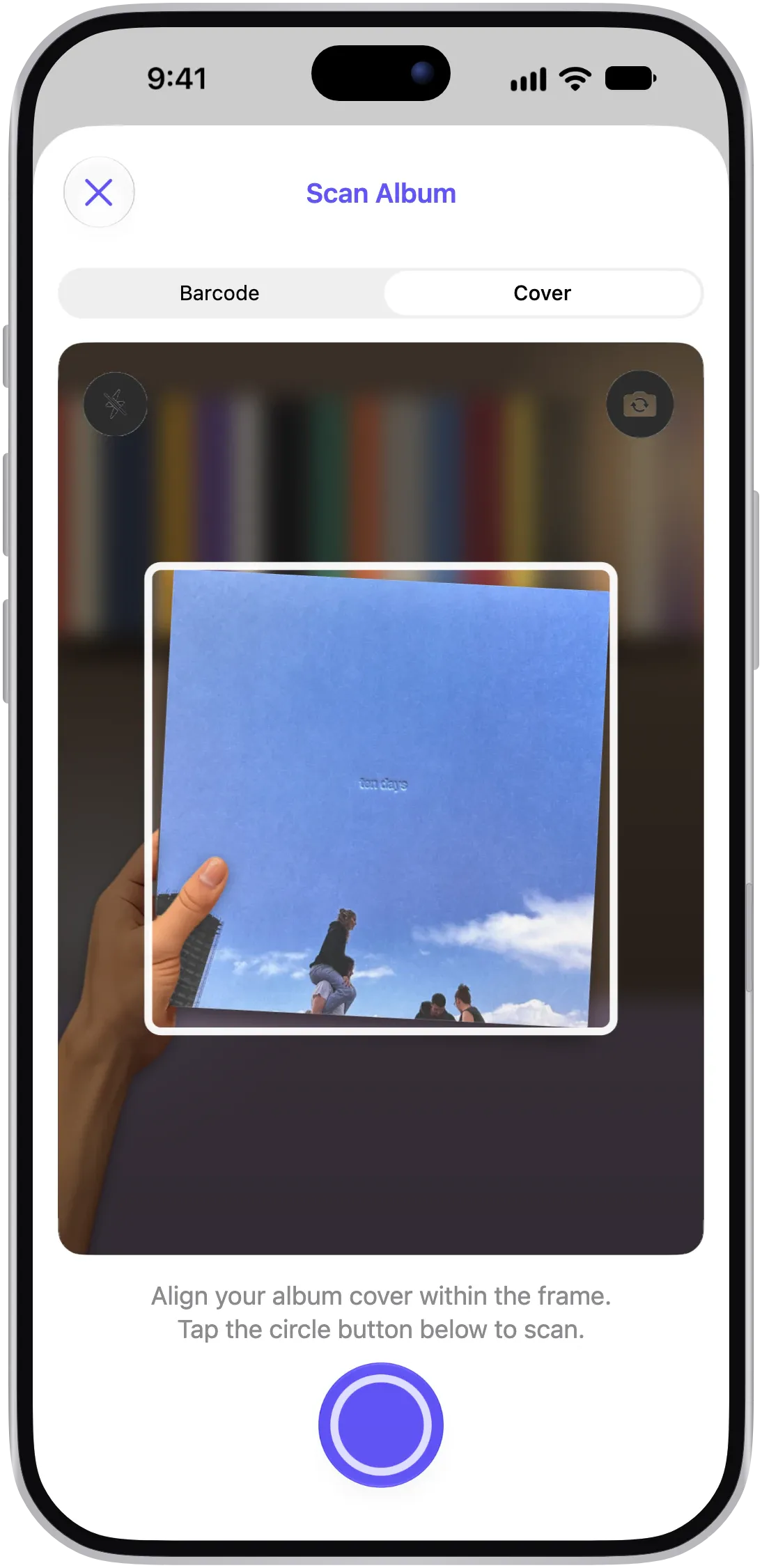
- Scan instead of typing. Scan a cover or barcode, then narrow the candidates under “Select your version” by format, country, year and label, or search them by catalog number, runout or a CD’s Mastering and Mould SID codes, which each result shows when Discogs lists them. A scan suggests matches; you confirm the version.
- Fill in each entry in one place. Tap “+ Add to VinylBox”, and once the button reads “✓ In VinylBox”, set Folders, Media Condition, Sleeve Condition and Notes in the same sheet; they sync with Discogs.
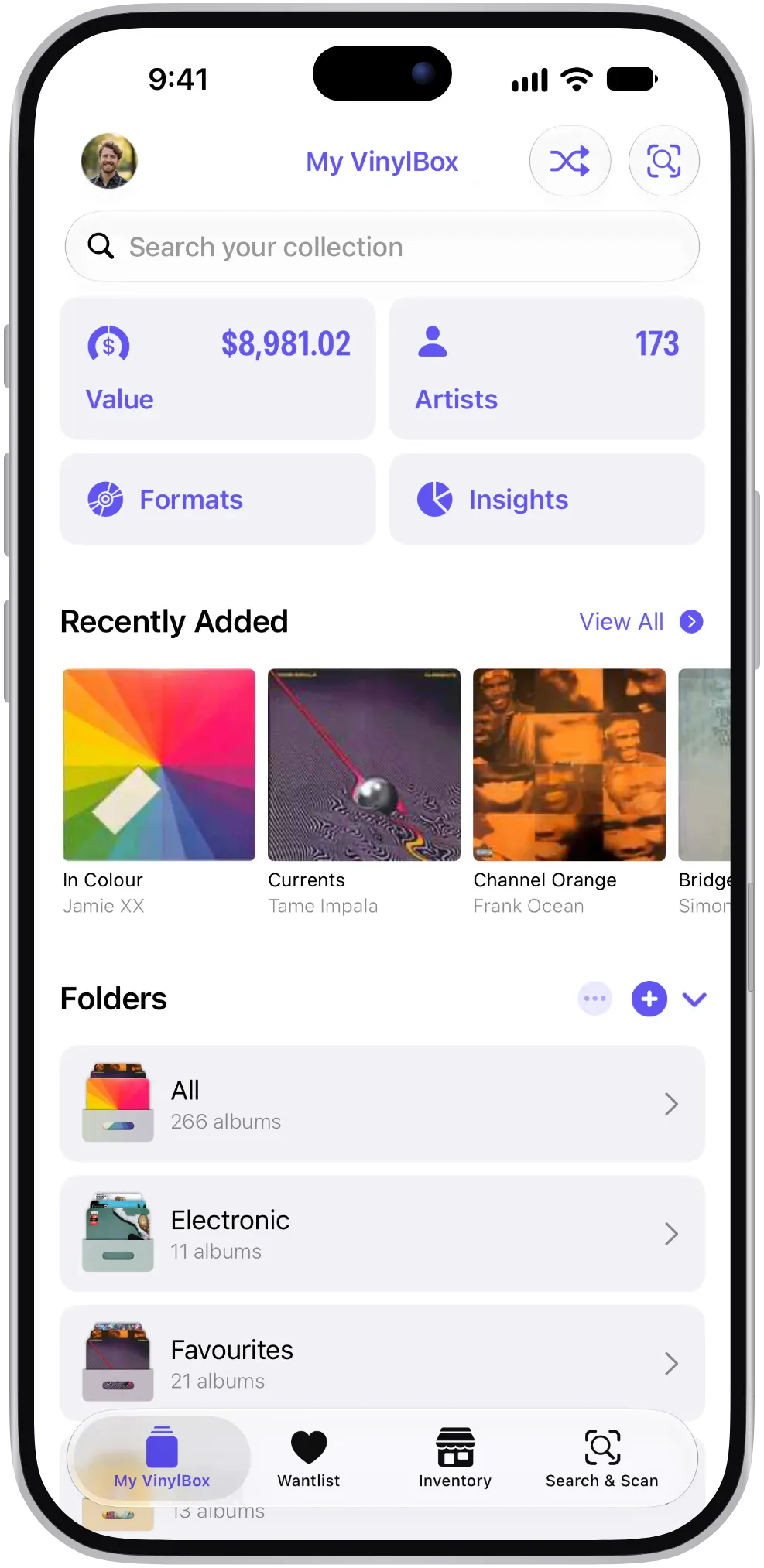
- Group records your own way with private tags, such as Signed. Smart Folders, created from My VinylBox, fill themselves from filters: a Rock CDs folder, for example, set to the format CD and the genre Rock. Both are stored privately in iCloud and synced across your Apple devices, not with Discogs, and Smart Folders are free to try on the free plan.
- Find unfinished entries. Collection Maintenance in My VinylBox counts the albums still missing a condition or a folder.
- Take it with you. Your synced collection stays on your iPhone or iPad, so you can browse its folders, Smart Folders and tags in a record shop with no signal, and on iPad, VinylBox uses a sidebar layout.
- See what it’s worth. When Discogs has sales to go on, each release shows an Est. Value, the Last sold date and Min., Med. and Max. sold prices, and the free plan includes your collection’s value range and history chart. Values are estimates based on Discogs data.
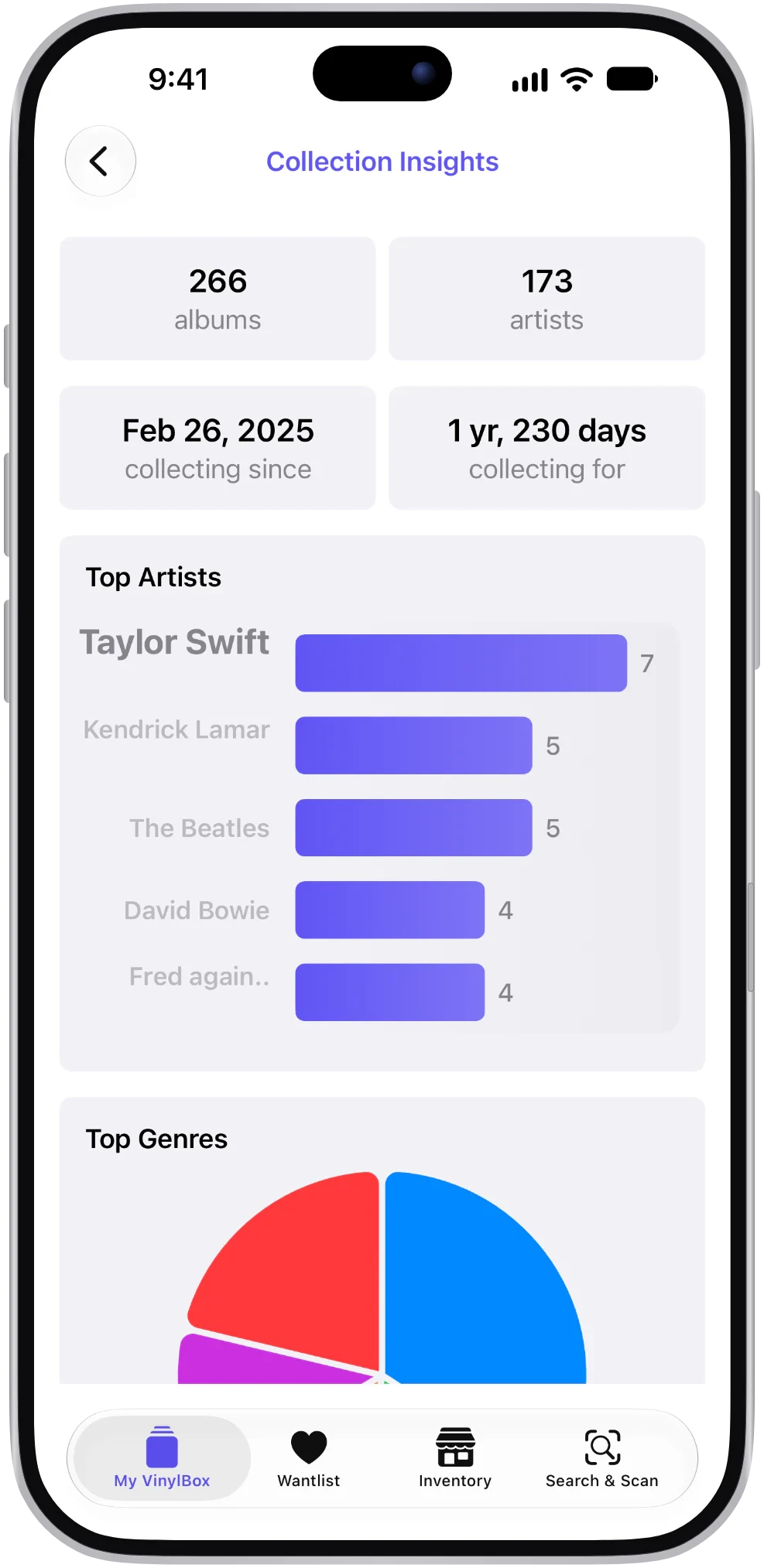
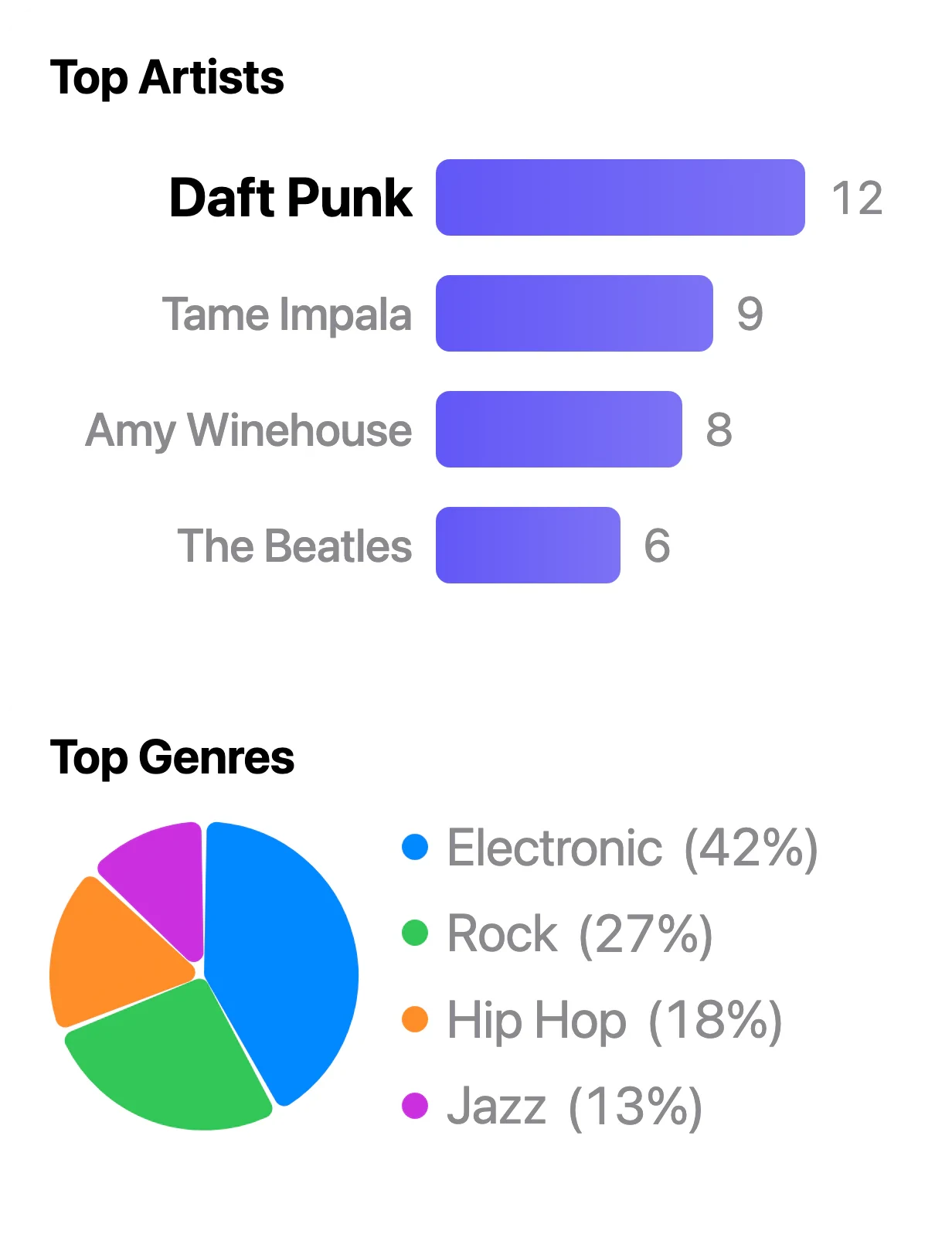
- Go further with VinylBox Pro, from just $1.99/month: unlimited folders, Smart Folders and tags, and Collection Insights, with your top artists, genres, styles and formats.
VinylBox is independent and works with your account through the Discogs API; it isn’t affiliated with Discogs. See how VinylBox works with your Discogs collection.
How do you get a spreadsheet of your Discogs collection?
Export it. In VinylBox, Export Collection writes your whole synced Discogs collection to a CSV file, one row per copy, ready for Excel, Google Sheets, Numbers or another spreadsheet app. Tap Sync Collection first, and keep Folder Name and Tags switched on under Data to Include, so you can sort by shelf and filter by tag. Your tags appear only in the VinylBox export; the Discogs website’s CSV export can’t include them.
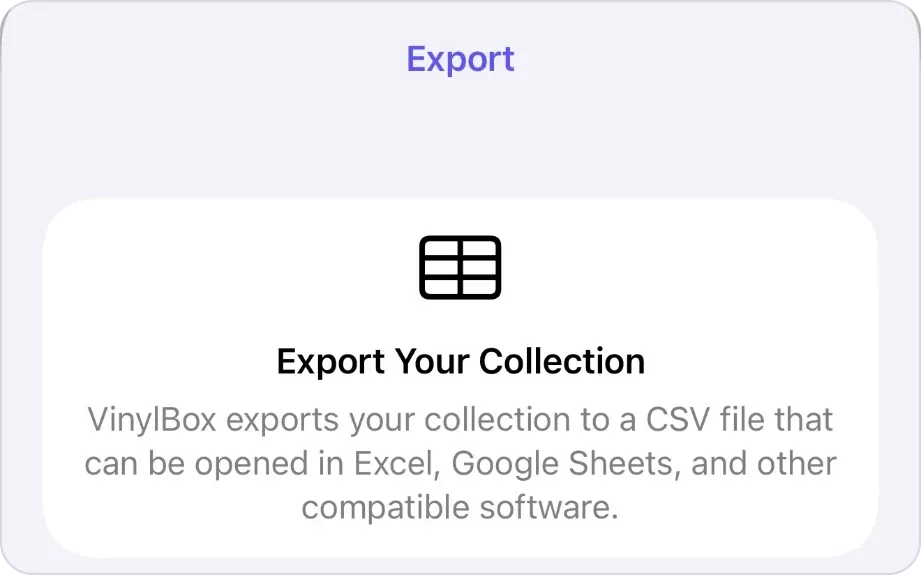
Open a copy rather than the exported file, because spreadsheet apps can change codes as they open a CSV file, and treat the export as a dated snapshot, not a second catalog: keep editing in VinylBox and export again when you need a fresh copy. Our guide to backing up a Discogs collection walks through the export step by step and covers checking, naming, storing and restoring the files.
Can you import a spreadsheet into Discogs?
Not directly: you match each row to a release. Discogs’ collection help documents an export but no import, and its CSV import creates Marketplace listings, for sale unless marked as drafts, so don’t use it for a collection (Discogs’ inventory CSV help). Work through the spreadsheet one shelf at a time:
-
Sort the spreadsheet by location, so the rows follow your shelves.
-
Download VinylBox and make a folder for the first shelf or box. Sign in with Discogs (or create a free account from its sign-in screen), then tap the + beside Folders in My VinylBox and give the folder the name from your Location column, such as Box 1.
-
Scan each record and search for its catalog number. Type the number from your spreadsheet into the search under “Select your version”: VinylBox matches catalog numbers, runouts and, on CDs, SID codes, and highlights what matched. Compare the Matrix / Runout values when versions look alike. Releases you add count toward the free plan’s limit, so a large move may need VinylBox Pro, from just $1.99/month.
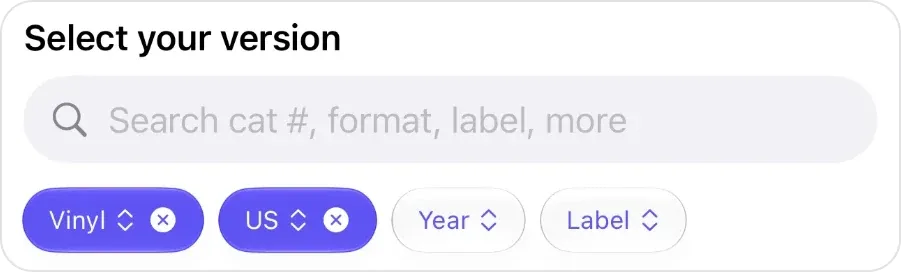
The search field under Select your version, above the format, country, year and label filters. -
Save it and copy your columns across. Tap “+ Add to VinylBox”, then set Folders, Media Condition and Sleeve Condition from the row, and put the rest, such as where it came from and what you paid, in Notes.
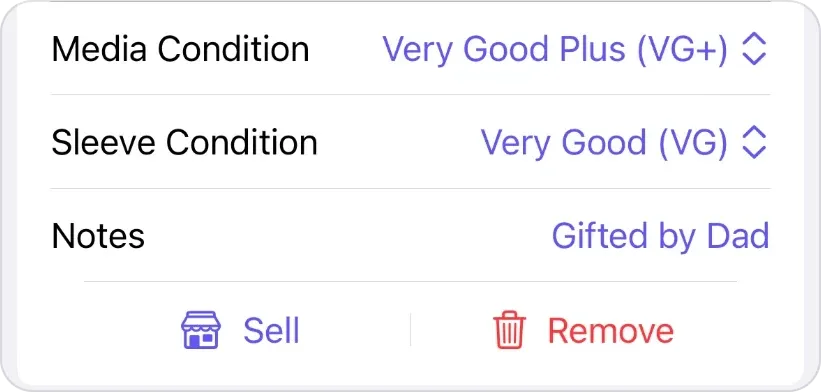
Media Condition, Sleeve Condition and Notes, in the same sheet. -
Set Status to Matched. Rows you can’t match yet stay at Research, and records Discogs doesn’t list can stay in the spreadsheet as Not on Discogs.
Our guides to cataloging a record collection, identifying a vinyl pressing and identifying a CD edition cover the matching in detail.
Spreadsheet, Discogs or VinylBox: which should you choose?
The best way to keep track of a vinyl collection depends on how you collect, and you don’t have to pick only one.
- A spreadsheet alone if much of your collection isn’t on Discogs, you don’t want an account, or you need a simple list to share.
- The Discogs website alone if you catalog at a desk, a few records at a time, and never need the collection away from a computer.
- VinylBox with Discogs if you catalog at the shelf, have several pressings of the same albums, or want your collection with you in a record shop, on iPad or with values. You still get a spreadsheet whenever you export one.
Or combine them: Discogs as the catalog, VinylBox to add and check records, a dated CSV export as the spreadsheet, and a small sheet for anything Discogs doesn’t list.
Test your choice on ten vinyl records and CDs
Try the method on ten vinyl records and CDs first, including a barcoded CD, an older LP without a barcode, a reissue with the original’s artwork, a duplicate and something obscure. Can you identify each copy, find it by artist and location, keep your notes, carry the catalog with you and get a readable copy out?
Frequently asked questions
Should I keep my spreadsheet after moving my collection to Discogs?
Keep it until every row reads Matched or Not on Discogs, then stop editing it, so you never maintain two catalogs. Save that final version as an archive, keep a small sheet for the records Discogs doesn’t list, and make any new spreadsheet by exporting your collection again, so it reflects your latest changes.
Is a spreadsheet or an app better for a vinyl collection?
For most collectors, an app connected to Discogs: each entry links to a documented release, scanning replaces typing, and the collection goes where you go. A spreadsheet is better for records Discogs doesn’t list and fields you design yourself. With a CSV export of your Discogs collection, you can have both without keeping two catalogs in step.
What is the best free way to keep track of a vinyl collection?
For most collectors, a free Discogs account used through VinylBox, which is free to download on the App Store with a free plan to get started, perfect for smaller collections. Scanning, folders, tags and the collection value are on the free plan, and Smart Folders are free to try; the releases you add are limited, so a large collection may need VinylBox Pro, from just $1.99/month, which also lets you create unlimited folders, Smart Folders and tags. If your records aren’t on Discogs, Google Sheets is a free spreadsheet.
Does VinylBox work without an internet connection?
Partly. Your synced collection stays on your iPhone or iPad, so you can browse its folders, Smart Folders and tags with no signal, for example to look through a folder or tag in a basement record shop and check whether you already own a record. Syncing needs a connection: once you’re back online, tap Sync Collection in My VinylBox to bring in changes made on Discogs.
If your catalog lives in a spreadsheet today, you don’t have to give it up. Download VinylBox, sign in with Discogs, move one shelf across, then export a CSV and compare it with your sheet.